Flagged: What to Do When a Sweepstakes Form Quietly Decides You're a Bot

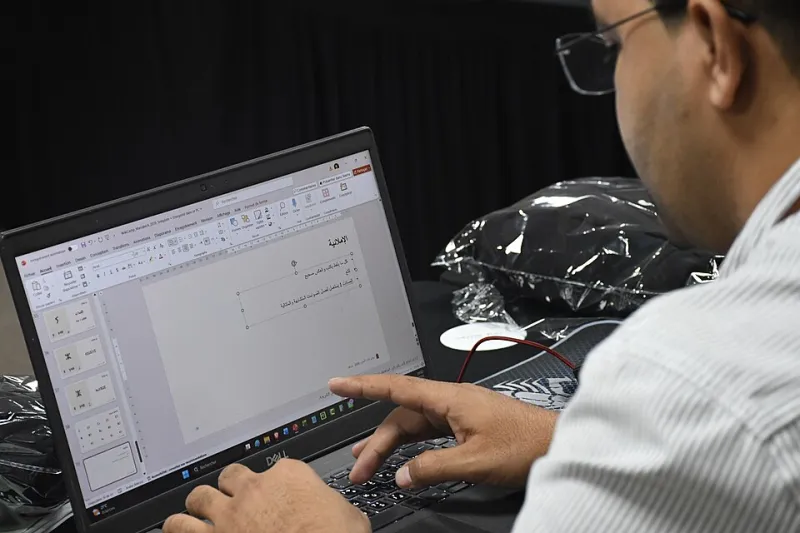
Photo: Erik Calonius, Public domain, via Wikimedia Commons
There's a specific kind of quiet that happens after you submit a sweepstakes entry and nothing comes back. No confirmation page. No thank-you email. Just a form that resets itself like it never met you. You try again. Same result. By the third attempt you're squinting at the screen wondering whether the site thinks you're a robot, or whether you're just unlucky.
Most of the time, it's the first one. And the frustrating part is that you didn't do anything wrong — you just configured your browser the way any sensible person should in 2026, and the bot-detection layer on the other end read that as suspicious.
This is the part of the entry process nobody puts in the official rules, so let's walk through it.
Why a Real Person Looks Like a Script
Modern bot protection — reCAPTCHA, hCaptcha, Cloudflare Turnstile, and the white-labeled versions a lot of sweepstakes platforms run — rarely asks you to click fire hydrants anymore. It scores you silently. It looks at your IP address, your browser fingerprint, your cookie history, how fast your mouse moved, whether your time zone matches your IP's region, and whether you filled nine form fields in under a second.
Every single one of those signals can be broken by ordinary privacy tools:
- A VPN. Datacenter IP ranges are heavily flagged. If your entry appears to come from a server farm in Virginia while your clock says Arizona, that's a mismatch.
- Cookie and tracker blockers. The challenge script often loads from a third-party domain. Block it and the site can't verify you — which reads as a failed verification, not a blocked ad.
- Aggressive browser hardening. Firefox's strict tracking protection and Safari's cross-site blocking are genuinely good ideas. They also break challenge widgets on sites that never tested for them.
- Autofill on fast-forward. Filling a twelve-field form in 400 milliseconds is a bot tell. Humans type, tab, backspace, and get distracted.
- Rapid-fire entries. Ten submissions in two minutes from one IP looks like a script even when it's just you working through a list of daily-entry links.
None of that means your setup is wrong. It means the entry form wasn't built for people who take privacy seriously.
The Clean-Profile Test
Before you start flipping switches on your daily browser, prove the diagnosis. This takes about five minutes and costs you nothing but one throwaway profile.
- Create a fresh browser profile — Chrome, Edge, whatever you use. Keep it completely separate from your main one.
- Install zero extensions. Leave the VPN off. Don't sign in to anything.
- Check that your system clock is set to update automatically. A two-minute skew is enough to fail some checks.
- Open the sweepstakes page directly (paste the URL, don't click through a link shortener) and enter once, at human speed.
If that entry goes through cleanly, you've confirmed the problem is your everyday environment — not the sweepstakes, not your address, not a shadowban. If it still fails in a bare profile on a home connection, the issue is almost certainly on their end, and no amount of tinkering will fix it. Move on and save the hour.
A Settings Checklist That Keeps the Security On
You don't have to choose between a working entry form and a protected browser. You just have to stop the two from fighting each other in the same room.
Split your browsing. Give giveaways their own dedicated profile, like you'd give work its own login. That's the whole trick. Your main profile stays locked down; the entry profile stays permissive enough to pass a challenge.
Whitelist the challenge domains, not the whole internet. Instead of disabling your blocker globally, add exceptions for the verification domains the platform actually uses — you'll see them in the blocked-request log when a challenge fails. Allow those, keep everything else blocked.
Handle cookies with an exception, not a bulldozer. If you block third-party cookies by default, add a site-specific allowance for the sweepstakes domain. The challenge needs to set something to remember it already checked you.
Turn the VPN off for entry sessions, or split-tunnel it. Residential connections pass reputation checks that datacenter IPs routinely fail. If you genuinely need the VPN on, route only the sweepstakes traffic around it.
Let autofill work, but slow it down. Keep your saved addresses and emails — just don't use the one-click "fill everything" button. Fill in chunks. Give the form a beat between fields.
Space out your entries. If you're working a list of daily-entry links, put a couple of minutes between submissions. It's genuinely less suspicious, and it's kinder to the server.
Keep your clock honest. Automatic time sync, always. It sounds trivial until you realize region-mismatch checks are one of the cheapest signals a bot detector has.
What Won't Help, and Might Hurt
Turning off your antivirus, disabling your firewall, or installing some sketchy "CAPTCHA solver" extension are all bad trades. The last one is worse than bad — solver extensions are a well-worn delivery route for malware, and handing one your browsing session to fix a form is not a deal worth making.
Also worth naming: not every silent rejection is a bot flag. Some platforms quietly drop duplicate entries, entries where the address doesn't match the registration, or entries that arrive after a soft internal cutoff. If the clean-profile test passes but your normal entry still doesn't, check the rules for a one-entry-per-person clause before you blame the robots.
The Short Version
You're not a robot. You're a person with privacy settings that a sweepstakes platform never bothered to test against. Keep your daily browser hardened, keep a separate lightweight profile for entries, whitelist only what the challenge needs, and run the clean-profile test before you spend an evening troubleshooting someone else's form.
And if a site still locks you out after all that? That's information too. A promoter whose entry form can't accept a careful user is telling you something about how they'll handle a prize claim.